
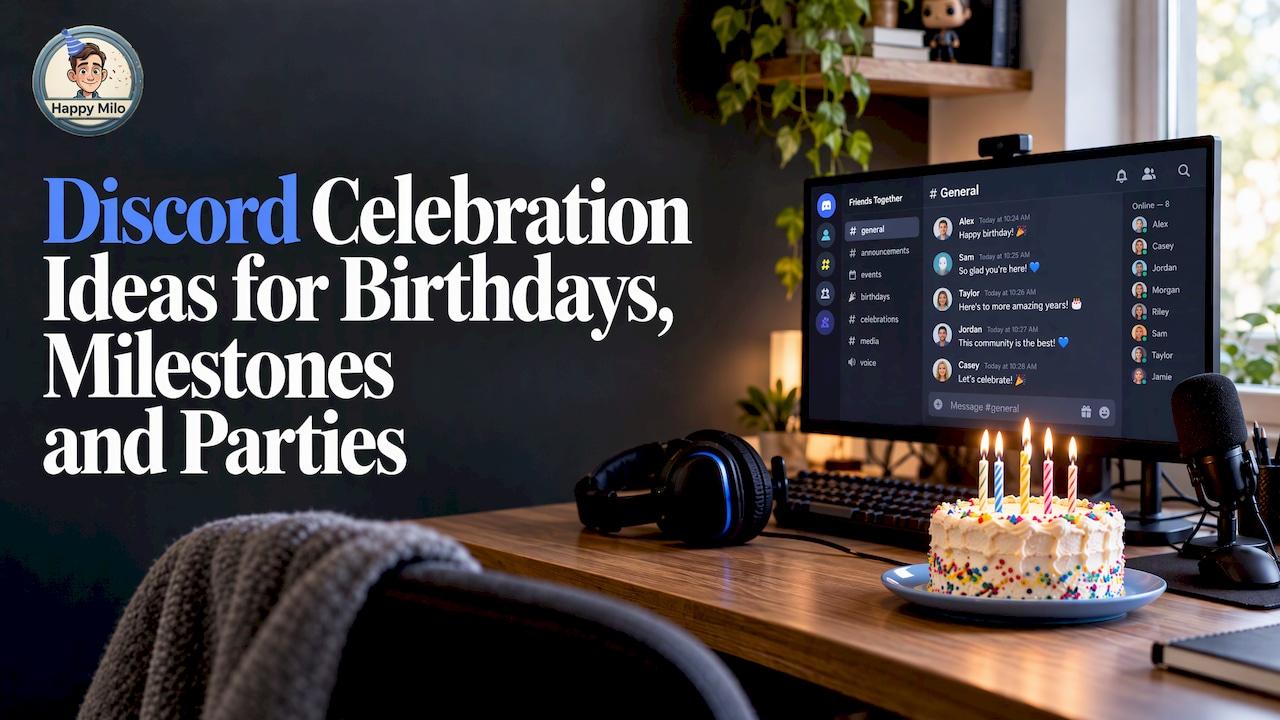

The best Discord celebrations combine one shared activity, a clear start and end time, and a place where everyone’s kind words end up together. Pick a format that fits your group (a game night, a watch party, an awards ceremony or a countdown to midnight), announce it early with Discord’s Scheduled Events, and collect messages for the guest of honor before the day arrives. Below you will find ideas for birthdays, server anniversaries and live parties, plus the setup details that make them run smoothly. 🎉
Start by choosing the kind of celebration you want
Before you pick a game or a bot, decide how much you want people to do. CommunityOne’s guide describes two broad types of Discord events: participation-based events such as karaoke, open mics, storytelling and games, which suit close-knit groups and can run weekly, and structured events such as Q&As and town halls, where people come because they care about the topic.
For a celebration, this translates into a simple rule:
- Small circle of friends or family: go participation-heavy. Games, voice chat, inside jokes.
- Large community: mix a structured moment (an announcement, an awards segment, a speech) with a light participation piece (a poll, a meme contest, a Watch Together session).
- Team at work: keep it short, warm and easy to join, with one moment where people read or share messages for the person being celebrated.
Then give the party a theme. A theme is the backbone of the event: it decides your channel names, your emoji, your music and your games.
Discord birthday ideas that make the guest of honor the star
A birthday on Discord works best when the birthday person is not just watching. Here are formats that put them at the center.
The 30-minute birthday hangout
If you want something simple, a Birthday Bash can be run in about 30 minutes: a dedicated voice hangout where everyone sings happy birthday, shares memories and hands out a small giveaway. It suits almost any server and helps members feel valued without a lot of preparation.
A good running order:
- Everyone joins the voice channel five minutes early. Play music in the background.
- Someone welcomes the group and explains what is about to happen.
- Sing, then go around the room for one-sentence memories.
- Read out a few written messages (see the section on collecting them below).
- Finish with a mini giveaway or a round of the birthday person’s favorite game.
The team-based birthday party
If you want a bigger production, look at how one developer ran his 21st birthday on Discord. Elias Lorenz Schaut documented the whole party: guests were split into two teams that earned points across several activities, including speed-dating style introductions in groups of three, a scavenger hunt, a text adventure, Codenames and a 20-film movie quiz. There was a countdown channel renamed by a bot, a leaderboard with unlockable rewards, a countdown to midnight and an award ceremony at the end.
You do not need that much machinery. Borrow three ideas:
- Teams and points give shy guests a reason to join in, because they are helping a team rather than performing alone.
- A countdown builds anticipation. Our Happy Dates countdown is made for exactly this kind of build-up to an important day.
- An awards ceremony gives the party a proper finale.
A birthday for teens and younger guests
For kids’ and teens’ parties, Screenwise’s virtual birthday guide suggests a private Discord server, a streamed movie or YouTube videos, voice chat and Jackbox games that everyone joins from a phone. It recommends limiting the guest list to 4 to 8 kids and keeping the party to 60 to 90 minutes. The same guide advises sending a small party box beforehand, giving the party a clear beginning and end, and having a backup plan for technical glitches.
If you are planning around a younger child, music-themed birthday ideas can help you pick songs and rhythm games that keep little guests moving, whether the party is in person or on a screen. Read the safety section below before you send any invitations to minors.
Let a streamer’s birthday become a community event
Brands and creators already treat Discord birthdays as events. In May 2026, Cicis Pizza partnered with streamer CaseOh to turn his birthday Discord livestream into a contest where fans created and submitted their own 15-second commercials. You can scale that idea down: ask your community to submit short clips, fan art or a one-minute “thanks” video for the birthday person, then watch them together live.
If you run a stream as well as a server, our guides on Twitch birthday ideas and streamer birthday ideas pair well with a Discord party.
Party ideas for groups celebrating live together
When everyone is online at the same moment, shared play creates the laughs. Discord has built-in options, and a few browser games need nothing more than a link.
Discord Activities
Discord’s own blog lists built-in Activities you can launch from a voice channel, including Watch Together, Gartic Phone, Sketch Heads, Poker Night 2.0, Putt Party Paradise, Chess in the Park, Letter League, Blazing 8s, Know What I Meme and Color Together. Discord announced in June 2023 that Activities stay free for all users, so you can plan a party without asking anyone to pay.
A few combinations that work well:
- Opener: a drawing game such as Gartic Phone. PickThe.Games calls it the natural opener because the chain of misinterpretation is where the laughs come from. It suits groups of four to twelve, a round takes about ten minutes, and it needs just one shared link and no accounts.
- Middle: a longer game for the whole group, such as Jackbox for three to eight players, where one person hosts and shares their screen.
- Filler: a quick social-deduction word game between bigger activities, so the energy never drops.
ScopliDrop suggests three to four rounds of Gartic Phone as a solid event on its own: create a room, share the link in the event channel and have everyone join a voice channel.
Watch parties and movie nights
Watch Together lets a group view the same YouTube video in a voice channel. Another blogger recommends keeping watch parties to 60 to 90 minutes so casual members stay for the whole thing. For a celebration, a themed playlist of the honoree’s favorite clips, or a “best moments of the year” reel from your community, works better than a full-length film.
Trivia, karaoke and talent shows
The usual community-night favorites double as party games. Would You Bot’s guide lists trivia tournaments, art showcases, movie nights, talent shows and giveaways, with tools such as TriviaBot and GiveawayBot. Atomcal suggests trivia tournaments of three to five rounds in voice, or a quiz bot in text. For a celebration, write the questions about the person: where they met the group, their most-used emoji, the game they never win.
If you want to add real sound quality to a karaoke or talent night, a decent microphone matters more than most people expect, and a guide to professional audio for events explains why clear sound keeps a live audience engaged.
Server milestone ideas: anniversaries, awards and traditions
Celebrations are not only about individuals. Servers have birthdays, member counts and seasons worth marking.
Server anniversary awards
ScopliDrop describes Server Anniversary Awards as a community-wide celebration:
- Open nominations a week before the anniversary.
- Create one thread per category, for example “Funniest member,” “Most helpful” or “Best clip of the year.”
- Compile the finalists and run a poll.
- Announce winners during a live voice event.
- Give winners a custom role or badge they keep all year.
It is a lovely way to thank people, and it makes your quieter members feel seen.
Meme contest with a theme
Same source, different mood: create a #meme-contest channel, post the theme and a 24 to 48 hour deadline, let members submit entries, then post them all in a voting thread where reactions decide the winner. It costs nothing and fills the channel with inside jokes.
Secret Santa and gift swaps
For the holiday season, members can anonymously give each other digital gifts such as custom art, playlists or a thoughtful message. ScopliDrop suggests using a matching tool like Elfster or DrawNames and closing sign-ups two weeks before the exchange.
Scavenger hunts inside your server
CommunityOne recommends virtual scavenger hunts where clues are hidden across the server, in profiles, old messages and audit logs. For an anniversary, hide clues in your server’s history so members rediscover the moments you are celebrating together.
Collect messages for the guest of honor in one place
Here is the part most Discord parties skip: the written, personal side. During a live party people say lovely things, then the call ends and the words vanish. Messages scattered across DMs, channels and group chats are hard to find later, and the person you are celebrating may never see half of them.
There are two practical ways to keep them.
Inside Discord. A starboard bot reposts messages that earn enough reactions into a hall-of-fame channel. Phantom’s documentation describes a default threshold of 5 reactions for small servers and 10 to 15 for busy ones. It is a nice way to preserve community favorites without manual curation.
Outside Discord, with a shared card. For a farewell, wedding, anniversary or birthday that deserves a keepsake, gather everyone’s messages, photos and videos ahead of time on one page. Our guide to a Discord group card shows how to get members signing without a login, and our article on interactive birthday card ideas offers twelve ways to make it shared.

Bring it all together with Happy Wall

Happy Wall is the shared online space at the heart of Happy Milo. You create a wall for a birthday, farewell, anniversary or community moment, share the link in your server, and anyone invited can add a message, photo, video or memory. When the big moment arrives, the wall comes to life with music, animations, confetti and everything your people wrote, so you can open it live in a voice channel and read it together.
Creating a Happy Wall is free. If you want to keep it permanently, the no-expiration option is 2,99 € one-off. If you want something to hold, Happy Box DIY is 8,00 € one-off, and Happy Box Premium, an assembled printed card, is 16,90 € one-off. For teams that celebrate often, the Enterprise membership is 15 € per month. You can see everything on the pricing page or start from the Happy Wall page.

For workplace communities, our page on team cards for farewells, onboarding and milestones shows how companies use shared cards, and our virtual farewell party ideas pair a live call with a keepsake that lasts.
Plan the event so people actually show up
A great idea with a vague announcement still ends in an empty voice channel. Use Discord’s own tools.
Use Scheduled Events
Discord’s Scheduled Events let you set an event ahead so members can see it and get notified. When someone presses “Interested,” the host knows they would like to attend and they are notified when the event goes live. One detail to remember: if the event does not start within an hour of its scheduled time, Discord removes it from the list, so start on time or reschedule.
A few more specifics from the guides:
- You can create up to 100 events per server, and CommunityOne recommends promoting an event one to two weeks ahead.
- A cover image of at least 800 by 320 pixels, up to 10 MB, and a description under 1,000 characters are the limits Whop’s guide gives.
- If you have a Community server with 500 or more members, Server Insights can show your peak hours so you can pick a time when most people are online.
Remind people more than once
Discords.pro suggests four reminder points: at announcement, 24 hours before, one hour before and at check-in. When it ends, post the winners, thank everyone, ask for quick feedback and say when the next event is likely.
Keep it short
Eventbrite’s guide to virtual parties recommends two hours or less, invitations at least two weeks ahead, and an interactive element such as trivia or Q&A so guests are never just sitting and watching. For most Discord celebrations, 60 to 90 minutes is the sweet spot.
A sample timeline
| When | What to do |
|---|---|
| 2 weeks before | Pick the theme, create the Scheduled Event, open your shared card link |
| 1 week before | Remind members, collect messages and photos, set up temporary channels |
| 24 hours before | Post a reminder, test your games and screen share |
| 1 hour before | Final reminder, open the voice channel early with music |
| During | Welcome, activity, message reading, finale |
| After | Thank everyone, share highlights, send the keepsake link |
Keep the party safe and friendly
A celebration should feel welcoming to everyone. A little preparation up front means you can enjoy the party instead of managing it.
- Test first. Discord’s guidance on running stage channels recommends auditing permissions, assigning different moderators to facilitation, speakers and text chat, and doing a small test run before opening to the public.
- Layer your moderation. One live-event playbook suggests prevention first (slowmode, clear rules, keyword filters), then rapid response, then escalation, with moderators assigned to zones rather than all-purpose watching.
- Protect younger guests. For kids’ parties, a guide on hosting safe game nights recommends least-privilege permissions: only moderators create invite links, minors do not get unrestricted access to voice channels, DMs or external links, and a parent is notified if something goes wrong. If your guests are minors, invite their parents and use a private server.
Also post the basics in a pinned message: who hosts, the schedule, and the rules for voice etiquette and screen sharing. Atomcal recommends pinning rules for party size, late joiners and hosting duties for game nights.
Make it feel personal
The difference between a good party and a memorable one is personalization. Ask yourself:
- What does this person love? Build one activity around it.
- Who is missing from the call? Invite them to send a message in advance.
- What will they keep afterward? A shared wall, a printed card or a saved highlight reel turns a one-hour call into a lasting memory.
- Where is everyone? When your group is spread across time zones, a shared card lets people contribute whenever suits them, while the live call is the moment you open it together.
For a longer run-through of planning a screen-based party, our guide on how to organize a virtual birthday celebration covers the details, and our virtual birthday fireworks guide has ideas for a big finish. If you also stream, boosting viewer engagement on Twitch shares ideas that carry over to your server.
FAQ
What are some simple Discord event ideas for a celebration?
Game nights, trivia, movie or Watch Together sessions, karaoke, art showcases and Q&As are the easiest to set up. For a celebration, add a personal touch such as trivia about the honoree or a round of shared memories. Keep it to 60 to 90 minutes.
How do I run a Discord birthday party?
Create a Scheduled Event, invite guests to a voice channel, and plan a short running order: welcome, a game or two, messages read aloud, then a finale. Collect written messages and photos beforehand so the birthday person can enjoy them live.
Do Discord Activities cost anything?
Discord announced in June 2023 that Activities would stay free for all users after a temporary unlock during its eighth birthday event. Check Discord’s current pages for any changes, then launch an Activity from a voice channel.
How can I collect messages from my Discord community for one person?
Share a single link where everyone can add a message, photo or video, rather than relying on scattered chats. A Happy Wall does this and is free to create, and you can open it live in your voice channel when the moment arrives.
Recommended
Related Articles
Done for you
Want us to help prepare it?
We'll help you create the Happy Wall for your event. Tell us the date and the occasion, we take it from there.