

To create a subhaton or a birthday stream the fastest way to gather viewer messages for a Twitch streamer is a shared digital group card, a link-based tool like Happy Wall where anyone can add a note, a photo, or a short video. Create the wall, drop the link in chat, on Discord (or connect the happy milo bot the chat). Then let contributions roll in until reveal the animation show it live in a single scene, and save it afterward as a keepsake.
Table of Contents
- What Is a Collective Message Card Tool, and Why Does It Fit Twitch?
- How Do You Set Up a Twitch Message Wall Fast?
- How Do You Moderate Submissions Without Killing the Vibe?
- How Do You Present the Wall Live on Stream?
- Get Your Twitch Community Wall Built Today
- Sources
- FAQ
What Is a Collective Message Card Tool, and Why Does It Fit Twitch?
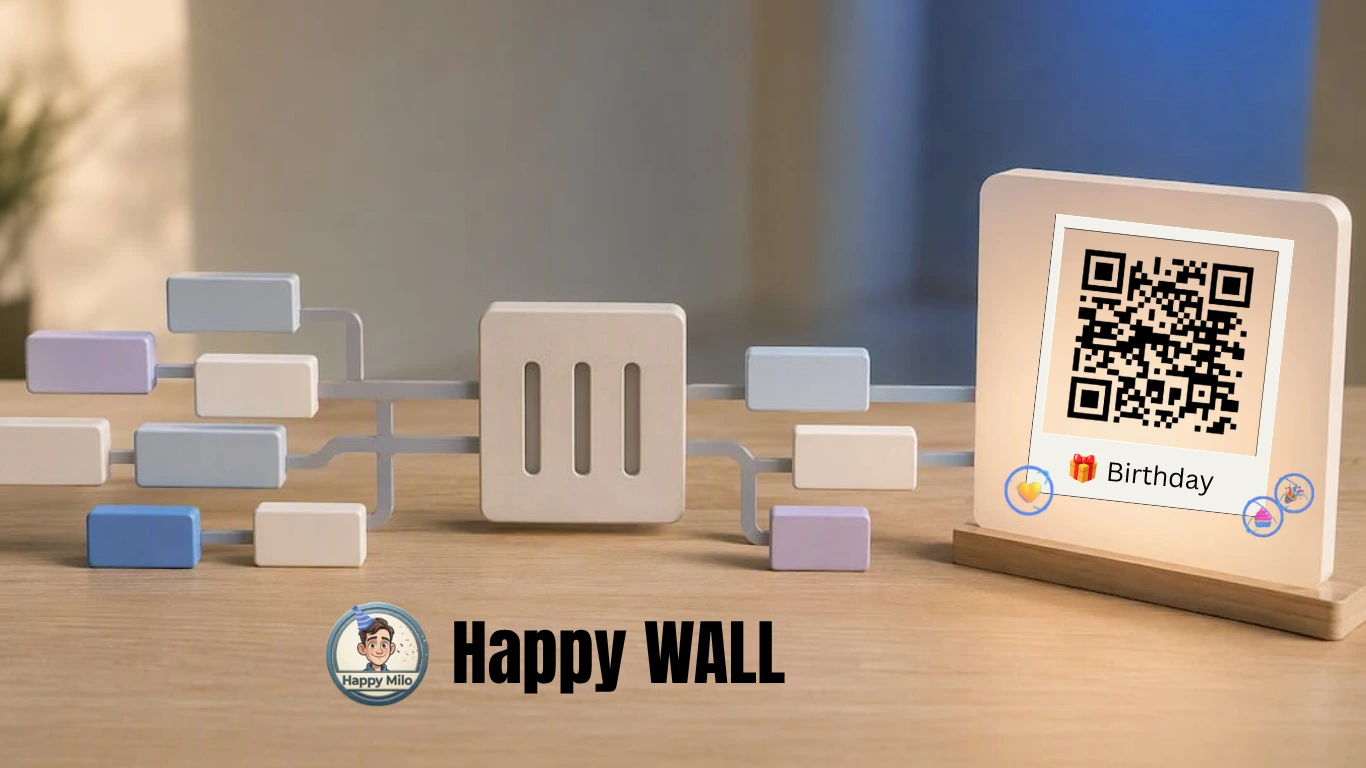
A collective message card is a shared digital wall, one link, open to everyone with access, where each contributor adds their own message, photo, or short clip. No account juggling, no spreadsheet of screenshots pasted into a slideshow at 2 AM before the stream. Everyone submits through the same link, and the wall builds itself.
Happy Wall was built for exactly this kind of group moment, and its features line up closely with what a Twitch community actually needs. There is no cap on contributors, so a raid of many people or a channel with thousands of subs can all leave something without anyone getting locked out. When the wall opens on stream, it plays with animation, music, and confetti, turning a scroll of text messages into something closer to a live celebration than a comment thread.
- Unlimited contributors, so mods never have to turn latecomers away.
- Mobile-friendly submission, since most viewers will add their message from a phone during the stream itself.
- Built-in animation, music, and confetti for the reveal moment.
- Export and print options once the wall closes, through Happy Box.
Streamers use this format for birthdays, subscriber-count milestones, farewell streams when someone is stepping away from the channel, and charity streams where the community wants to say thank you alongside the fundraising total. One documented case: a Twitch charity stream for Make-A-Wish France paired a collective wall with the fundraiser itself, giving donors a second way to show support beyond the dollar amount.
Pro Tip: Pick a wall theme that matches the occasion before you share the link. A birthday wall and a farewell wall call for very different prompts, and setting the tone early saves you from awkward, mismatched submissions later.
Channels that spotlight viewer-generated content tend to see stronger engagement and repeat participation, since viewers who see their own words featured on stream are far more likely to come back and contribute again.
How Do You Set Up a Twitch Message Wall Fast?
Speed matters here. Most collective cards for Twitch get built in the 24 to 72 hours before the reveal, so the process needs to be nearly frictionless for both the organizer and the contributor.
- Create one canonical link. Set your open and close dates when you build the wall, and decide who can view versus who can contribute. One link only, shared everywhere, so nobody submits to a stale duplicate.
- Write a pinned submission prompt. Tell contributors exactly what to include: a short message (one or two sentences works best), an optional photo, and any content boundaries (no spoilers, no inside jokes nobody else will get, keep it kind).
- Post the link where viewers actually look. Chat, Discord announcements, stream panels, and even a pinned tweet all work. Ask two or three trusted mods to repost it periodically so it doesn’t scroll past unseen.
- Give people a starting point. A blank text box intimidates people more than you’d think. Offer two or three sample lines, something like “Congrats on [milestone], you’ve built something special here,” so contributors can adapt rather than freeze up.
- Set a countdown. Announcing “wall closes Friday at 8 PM” creates urgency and gives your less-active lurkers a reason to stop scrolling and actually submit.
- Check technical basics before launch. Confirm the submission flow works on mobile, since most viewers will be typing from a phone mid-stream, and test that photo uploads accept common formats without errors.
Community-building research backs this up directly: centralizing every submission behind one link, and keeping that flow mobile-first, is consistently the biggest lever for higher participation among viewers who aren’t especially tech-savvy. A step-by-step Happy Wall guide walks through the build screen by screen if you want the visual version alongside this checklist.
How Do You Moderate Submissions Without Killing the Vibe?
A wall with 200 open submissions and zero moderation plan is a risk, not a celebration. The fix isn’t heavy-handed rules. It’s a short, visible enforcement ladder everyone can see before they submit.
- Reminder: a gentle nudge if a submission brushes against the rules (too long, off-topic, borderline joke).
- Warning: a direct message explaining what needs to change and why.
- Mute: temporary loss of submission privileges for repeat issues.
- Remove: the submission comes down, with a private note to the contributor explaining the reason.
Assign one or two mods specifically to wall duty, separate from chat moderation, and give them a private channel to flag anything questionable before it goes live. Twitch’s own guidance on building a moderation team recommends exactly this kind of structure, clear roles and tools like Mod View, so decisions don’t rest on one exhausted volunteer at midnight.
Publish a one-screen charter before anyone submits: purpose, tone, rules, and how enforcement works. Contributors who can see the process trust it more, even when their own submission gets flagged.
Give people a way to request an edit or appeal a removal too. Most fixes are small, a typo, a cropped photo, not a violation, and a quick private message resolves it faster than a public back-and-forth.
How Do You Present the Wall Live on Stream?
Rehearse the reveal before you go live. Build a dedicated scene in OBS or Streamlabs with a browser source locked to the wall’s aspect ratio, so nothing stretches or crops awkwardly when you switch to it mid-stream.
- Pick your moment. A milestone hits, a countdown ends, or you cue it right after a big donation, whatever fits the show’s rhythm.
- Lower game and mic audio a few seconds before the switch, then let the wall’s own music and confetti carry the moment.
- Call out contributors by name as messages scroll, and encourage chat to react in real time rather than just watching silently.
- Leave the scene up longer than feels necessary. A reveal that cuts away too fast robs viewers of the payoff they helped build.
- Save the moment. Clip the VOD segment, and note that the wall itself can become a printed keepsake through Happy Box once it closes.
Pairing a wall reveal with something like a subscriber gift adds another layer to the moment. Twitch’s gifting flow supports both individual and community gifting, and a wall reveal followed by a round of gifted subs tends to land as one continuous celebration rather than two separate segments. For more on timing and staging a birthday-style reveal specifically, the streamer birthday ideas guide covers scene pacing in more depth.
Get Your Twitch Community Wall Built Today
A shared digital group card platform gives your community a way to gather every message in one place, with no cap on contributors, animated reveals with music and confetti, and options to save or print the finished wall once it closes. That combination of zero entry cost and no contributor limit is hard to match if you’re trying to organize this manually through screenshots and a spreadsheet.

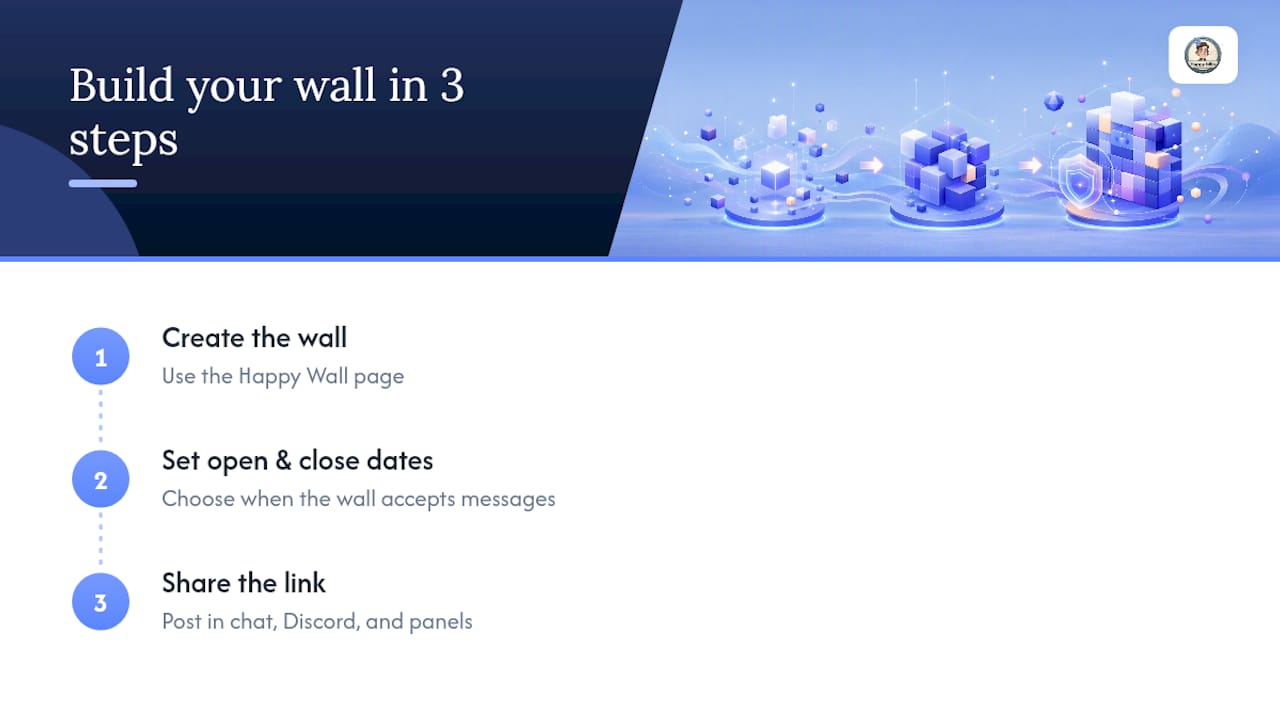
Getting started takes three steps: create your wall on the Happy Wall page, set your open and close dates, then share the single link across chat, Discord, and your panels. If you want the wall to outlast the stream, pricing details cover removing the expiration date for €2.99, a DIY printed keepsake through Happy Box for €8.00, or a fully assembled premium printed card for €16.90. Teams or organizations that run these celebrations regularly, birthdays, farewells, milestones, can look at the Enterprise membership at €15 per month for repeated use across a channel or company.
If your community wants to pair the wall with a physical gift alongside the printed keepsake, something like thank-you flowers rounds out the moment nicely for a milestone or farewell stream. Start your wall now, and have the link ready before your next stream begins.
Sources
A few links are worth bookmarking before your next reveal. For moderation structure, Twitch’s own guide to building a moderation team covers roles, tools, and enforcement basics in more detail than any single article can. For setup, the complete Happy Wall creation guide walks through the build screen by screen.
- Guide to building a moderation team — Twitch Help
- Using viewer-generated content to fuel niche-specific livestream ideas — Creator Gear Pro
FAQ
How Do I Share the Message Wall Link on Twitch?
Post the link in chat, pin it as a Discord announcement, and add it to your stream panels so viewers can find it without asking. Have a mod or bot repost it regularly during the stream to catch newer viewers.
Can Contributors Submit Messages Anonymously?
Happy Wall lets contributors choose how they sign their message, so some communities allow anonymous notes while others require a name or handle for transparency. Set that expectation in your pinned submission prompt so contributors know the rule before they submit.
What Happens to the Wall After the Stream Ends?
The wall stays open for however long you set when you created it, then you can keep it as a free digital keepsake or remove the expiration date for €2.99 to keep it live permanently. You can also turn it into a printed card through Happy Box, with DIY printing at €8.00 or a premium assembled version at €16.90.
What Do I Do About Inappropriate or Off-Topic Submissions?
Follow a visible enforcement ladder: a reminder first, then a warning, then a mute for repeat issues, and removal only when necessary. Twitch’s moderation guidance recommends assigning specific mods to this task so no single volunteer carries the whole decision load.
Is There a Limit to How Many People Can Contribute?
No, Happy Wall supports unlimited contributors, so a small Discord server and a channel with thousands of subscribers can both use the same format without anyone getting turned away. Current pricing for permanent access and printed keepsakes is available on the Happy Milo pricing page.