


Looking to make a big splash for a friend’s birthday, a colleague’s farewell, or even your own big event? You’ve come to the right place. Milo's Happy Wall is the perfect tool to bring everyone together, even from a distance, around an animated surprise full of emotion.
Say goodbye to sad, impersonal birthday cards. Here is the step-by-step tutorial to create your very first Happy Wall in less than 5 minutes.
Step 1: Start at the Right Link
To get started, head over to the creation page by following this link: Create a Happy Wall. Make sure you are logged into your account to save your creation.
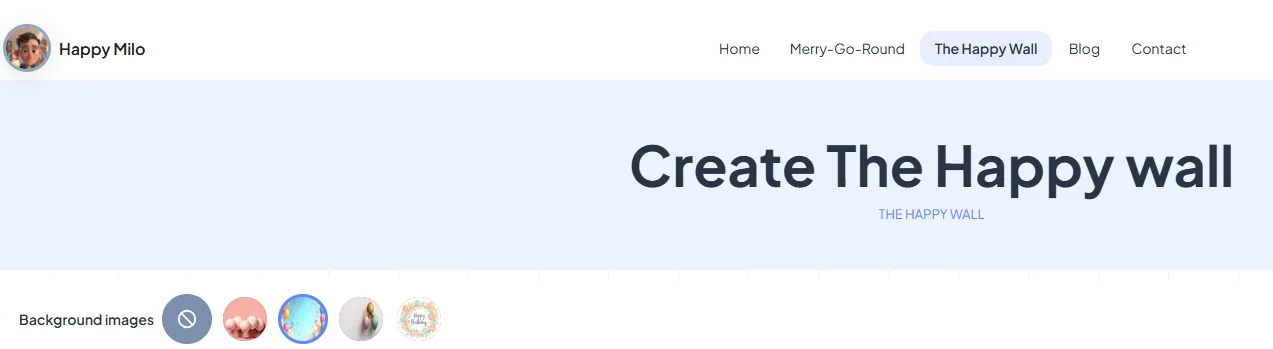
We’re going to start by setting the visual mood for the wall. Look at the top of the screen; you have the option here to choose the background image. Scroll through the list and select the one you like best. This will set the tone for the entire party!
Step 2: The Centerpiece Image for the Star of the Day
Once the background image is chosen, let's focus on the heart of the wall. Right in the middle of the screen, you will find an image drop zone.
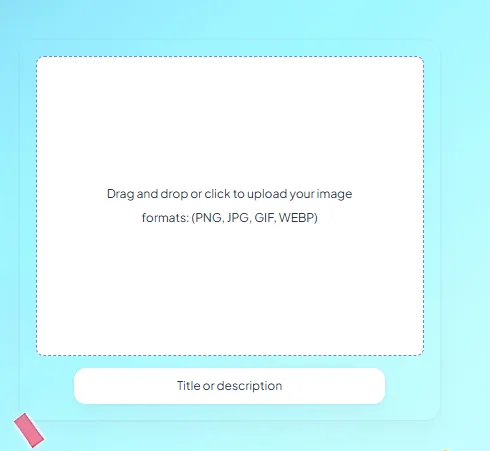
This is where you need to drag or choose the central image. Use a nice photo of yourself, the person being celebrated, or the event itself. This image will be the fixed point around which all the messages gravitate!
Step 3: Configure Event Settings
Now, look to the right of your screen. This is where you’ll find the main settings panel.
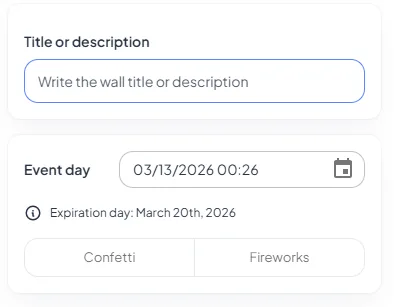
Use this panel to configure:
- The event title: (e.g., "Happy 30th Birthday, Sarah!")
- The welcome text: A greeting message (e.g., "Post your messages of love here!")
- The event date: This will trigger the countdown.
- The big day's animation: Choose between a burst of confetti or fireworks!
Step 4: Post Your First Message (The Founder's Message)
As the creator of the wall, you get to post the very first message. Scroll the right panel down.
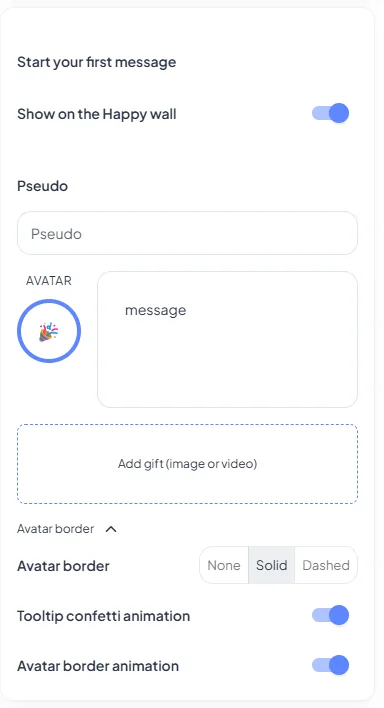
Fill out the fields to set up your first message:
- Your Nickname: (e.g., "Milo the Creator")
- Your message/gift: This is where you write your sweet note.
Did you know? This message can be hidden until the day of the event! You control when the recipient will be able to read it, according to your settings.
Step 5: Advanced Customization of the Experience
Milo offers you total control over the appearance of your Happy Wall. By scrolling down further in the right panel, you will find some very powerful customization options.
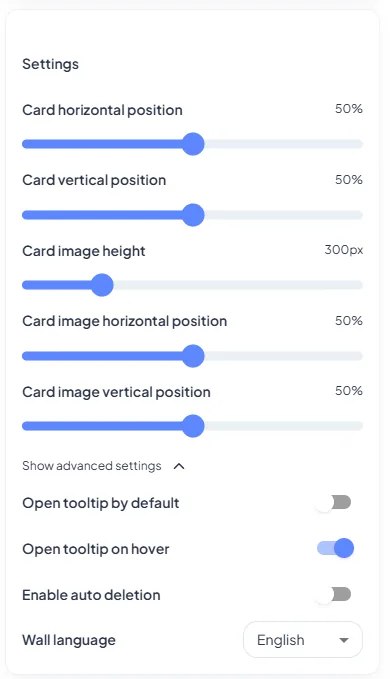
This is where you can set up:
- Message bubble visibility: Hide or show others' messages before the big day.
- Hover animation: Define the behavior of messages when you mouse over them.
- Auto-delete the date: An option to hide the date if the event has passed.
- Image control: More freedom on positioning the central image for a perfect render.
Step 6: Preview and Publish
Your creation is complete! It’s time to validate it. Scroll back to the very top of the page to preview the final render of your header.
If everything looks good, click the confirmation button:
That's it! Your wall is now officially published and live!
Step 7: The Wall is Published! Time to Share
After publishing, you arrive on the public page of your wall. It looks like this:
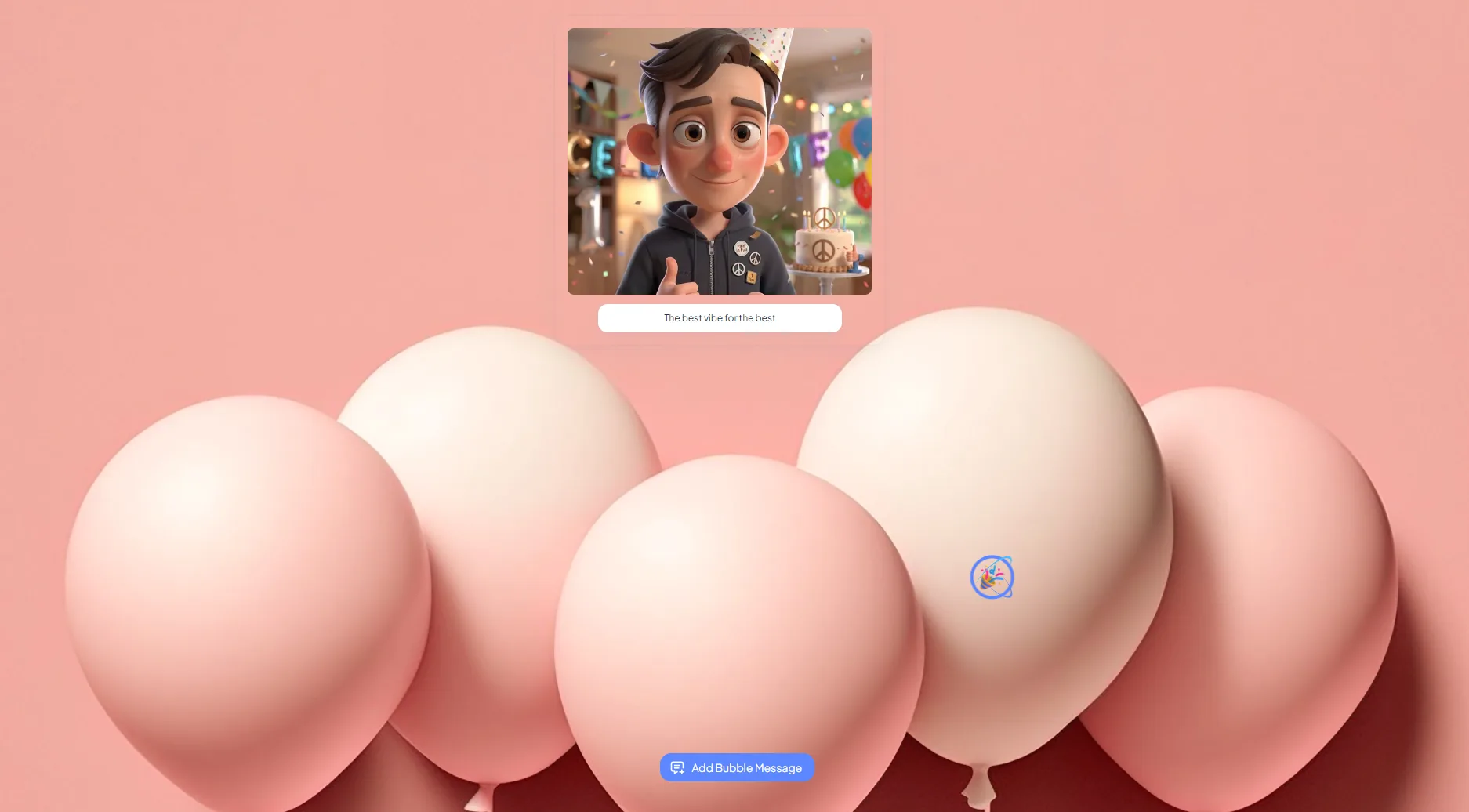
Congratulations! Your wall is magnificent. Here is what happens now:
- The Wall is secret: It is accessible only via the link you are going to share.
- "+ Add a Message" button: Your guests can click it to leave their own sweet note.
- The Countdown: The countdown displays until the day of the event.
All that's left is for you to copy the page URL and share it secretly with all friends and colleagues!
Happy Wall !