
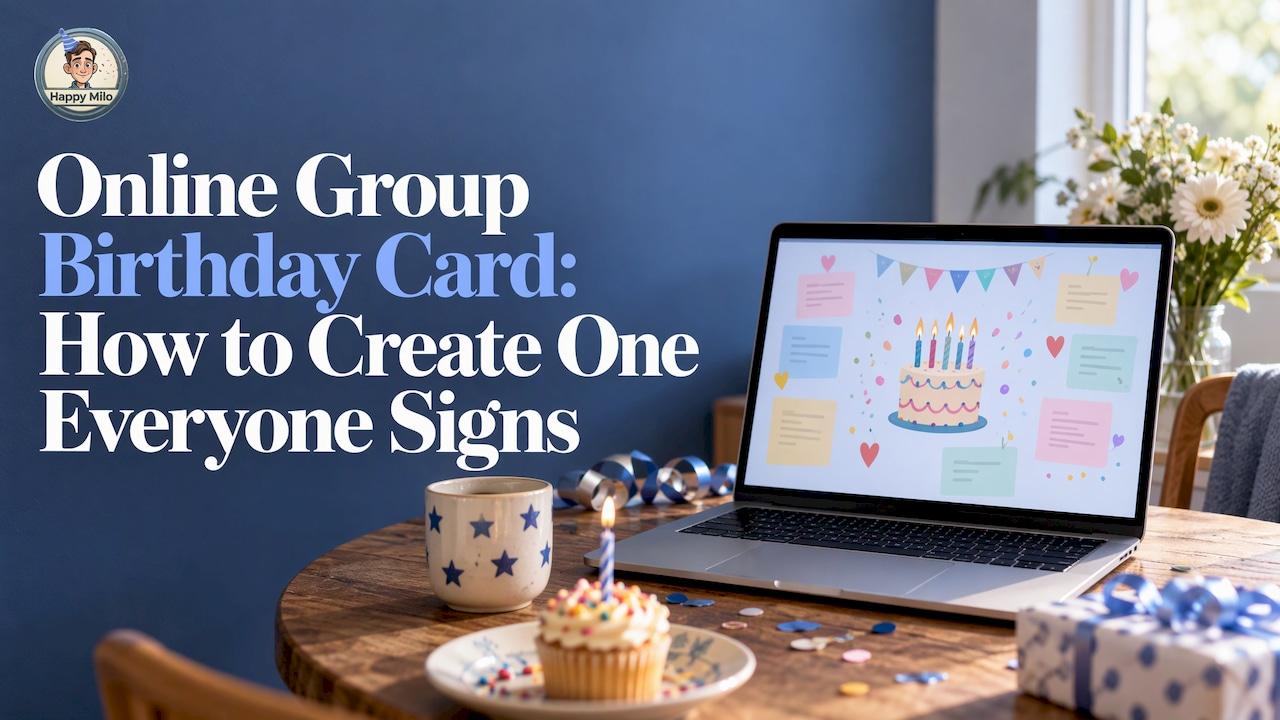

An online group birthday card is one shared page where friends, family or coworkers each add a message, photo, GIF or video for the same person. You create it, send one link, and everyone contributes from wherever they are. On the birthday, the person opens a single card instead of scattered texts. With Happy Wall, you can start one for 0 € and keep it online permanently for a one-off 2,99 €.
This guide shows how a group birthday ecard works, how to build one step by step, what to ask people to add, how to compare services, and how to turn the finished card into something you can hold. 🎂
How an online group birthday card works
Think of it as a guestbook that the birthday person has never seen. One organizer creates the card, picks a style, and shares a link in a group chat, an email or a community channel. Each guest opens the link and adds their own contribution. Nobody has to coordinate who writes what, and nobody has to forward a pile of screenshots.
The terms people use overlap: group birthday ecard, virtual group birthday card, shared digital card, message wall. They all describe the same idea: many contributors, one recipient, one place. The differences are in the details, such as how long the card stays online, what media you can add, and whether it can be played live or printed.
A virtual card is also the practical choice in some situations. One comparison of birthday card tools notes that paper still wins when you will be in the room, but a virtual card makes more sense when the recipient lives in another city or the birthday is tonight. It also points out that a QR code inside a paper card can open the online version, so you get both.

When a group card is the right choice
A group card shines whenever more than a handful of people want to say something and no single signature page could hold it all.
- Teams and offices: colleagues in different offices or time zones can sign on their own schedule. For wording ideas, see our office birthday card messages.
- Families: cousins, grandparents and old friends who rarely share a room can all appear on the same page.
- Online communities: a streamer’s Twitch or YouTube audience, or a Discord server, can celebrate a member or a creator together. We cover that setup in our guide to a Discord group card.
- Clubs and associations: collect messages for a long-time member, a volunteer or a coach.
- Friends spread across places: a surprise that feels close even when everyone is far apart.
A comparison from Emocia, published in 2026, singles out Kudoboard as the strongest pick for office birthdays, remote teams and large families, because many people need to contribute. That reflects what readers want from any tool in this category: easy contributions from many people, and a result that feels like a gift.
How to create a virtual group birthday card, step by step
The process is the same on most platforms. Here is the version we recommend, with timing that works for a surprise.
1. Decide the timeline (3 to 7 days ahead)
Give contributors at least three days. A week is better if people are traveling or in different time zones. Pick the moment the card will be revealed, whether that is the morning of the birthday, a dinner, or a video call, and tell contributors the deadline is a day before.
2. Create the card and choose a style
Open a new Happy Wall, name it for the person, and choose how it should look. Keep the style close to their personality: playful and colorful for a friend who loves a party, calm and elegant for a parent. If you want a head start, our guide to group card templates explains how to choose and fill one.
3. Invite people with one link
Anyone invited through the shared link can add a message, photo, video or memory. Paste the link in the group chat, an email, a Slack channel or a Discord server. Add a short note with the deadline and one line about what you are hoping for, such as a favorite memory.
4. Send two gentle reminders
Most people mean to contribute and forget. Remind the group once at the halfway point and once the evening before the deadline. A countdown can help: Happy Dates lets a group count down to an important date together.
5. Check the card, then reveal it
Read through the contributions, make sure the order feels right, and keep the link private from the honoree. Then share it at the planned moment.
What contributors can add (and how to get better messages)
A good card is not twenty versions of “Happy birthday!” It is a mix of voices. Happy Wall accepts messages, photos, videos and memories, so you can ask for different things from different people.
| Contributor | What to ask for |
|---|---|
| Close friends | A funny photo and the story behind it |
| Family | A childhood picture or a favorite memory |
| Coworkers | A short thank-you for something specific they did this year |
| Community members | A quick video greeting or a shout-out |
| Faraway friends | A short clip from where they are, with the weather or a view |
Some prompts that pull people past the generic line:
- “Share one moment this year when [name] made you laugh.”
- “Tell us what you would put on their birthday playlist.”
- “Add the best photo you have of the two of you.”
- “Finish this sentence: [name] is the person who…”
For more ways to make the card feel shared rather than signed, browse our interactive birthday card ideas.
Making the reveal part of the party
A card that is read alone on a phone is lovely. A card that becomes part of the celebration is memorable. On Happy Wall, when the chosen moment arrives, the card comes to life with music, animations, confetti and the messages collected from everyone involved. 🎉
A few ways to use that:
- On a video call: share your screen at the start of a birthday call and let the messages play while everyone watches the person’s reaction.
- At a dinner or office gathering: put the card on a TV or projector and read a few messages aloud.
- Live with a community: a streamer can open the wall on stream so chat watches the celebration with them.
- As a morning surprise: send the link at a set time so the person opens it first thing.
If you want more structure for the event itself, our guide on how to organize a virtual birthday celebration covers the full run of show. And if you plan to display messages on a big screen, these slideshow maker options offer useful ideas for pacing photos and text.
How to choose a group birthday card service
Several platforms do this well, including Kudoboard, GroupGreeting, Thankbox and Ellacards, and each has its own style. Rather than hunting for a single “best group birthday card”, compare services on the things that change your experience. A recent review of online card makers suggests checking a few specific points: watermarks on free cards, whether recipients must sign up, whether typos are permanent, refund and renewal rules, and how long the link stays live.
Here is a checklist you can use with any service.
| Question | Why it matters |
|---|---|
| Do contributors need an account? | Fewer steps means more people actually sign |
| How long does the card stay online? | You want the recipient to be able to reopen it next year |
| What media can people add? | Photos and video make a card personal |
| Is there a contributor limit? | A big group should not be cut off at the last signature |
| Can you print it? | A physical keepsake lasts on a shelf |
| Is the price clear up front? | Look for one-off versus recurring charges |
| Does it work for live moments? | Animations and music turn a card into an event |
The same review reports that free American Greetings e-cards stay viewable for 30 days, while Kudoboard boards stay online indefinitely. Lifespan is worth checking before you commit, since a birthday card is something people want to revisit. For a wider side-by-side, see our comparison of six online group card options.
What group cards typically cost
Pricing varies a lot by platform. The same review describes Kudoboard as having no free board that can be sent: the free demo holds five posts and cannot be delivered. Its paid tiers are described as Lite with 20 posts, Premium with 100 posts and video, and Milestone with no cap. Plans change, so check each provider’s own page for current prices.
Keep the card: permanent access and a printed keepsake
A digital card is wonderful on the day. A lot of people want it to last longer, and some want something they can hold.
Here is how that works with Happy Milo:
| Option | What you get | Price |
|---|---|---|
| Happy Wall | A shared online card for your group | 0 € |
| No expiration | Keep your Happy Wall online with no expiration | 2,99 € one-off |
| Happy Box DIY | A kit to print at home | 8,00 € one-off |
| Happy Box Premium | A premium assembled printed card | 16,90 € one-off |
| Enterprise membership | Repeated use for a team or company | 15 € per month |
Prices are published on our pricing page. The printed card can be shipped, which makes it a good final gift: hand the person the physical card at dinner and tell them the digital version is always there too.
A practical tip: decide on the keepsake before you send the invitations. If you know a printed card is the plan, you can tell contributors to include photos that will look good on paper, and you can set the reveal date with shipping time in mind.
Start your group birthday card with Happy Wall
Happy Wall is built for exactly this: one shared space where friends, family, coworkers or a whole community prepare something for a person on their day. Create it for free, share the link, and let everyone add their message, photo, video or memory. When the moment arrives, the wall becomes part of the celebration with music, animations and confetti. 🎈

Ready to begin? Create your Happy Wall and send the link today. If your team celebrates often, our team card options cover farewells, onboarding and milestones as well as birthdays.
Tips for a card people remember
- Name one organizer. One person sets the deadline, sends reminders and checks the card.
- Write first. Add your own message right away so others see the tone and the length you hope for.
- Ask for specifics. A named memory beats a generic wish every time.
- Mix formats. A video greeting among the text messages gives the card rhythm.
- Respect the person. A quiet, heartfelt card suits some people better than a loud one. Match the style to who they are.
- Include everyone. Invite the people on the edges: former colleagues, distant cousins, old neighbors. Those messages are often the ones that mean the most.
- Plan the follow-up. Add the next birthday to a countdown or calendar so you do not miss it again. Happy Agenda helps you plan ahead so important moments are easier to remember.
If the occasion is not a birthday, the same steps work for farewells and anniversaries. See our guides to virtual farewell party ideas and an online anniversary card. For the bigger picture of why shared walls are replacing single cards, read why virtual walls replace greeting cards.
A simple example: a surprise for a friend in another city
Say your friend Maya turns 35 and lives three time zones away. You have eight days. On day one you create a Happy Wall in her name and post the link in the group chat with a note: add a photo and one memory by day six. On day three you add your own message, a photo from the trip you took together and a short story about the night the car broke down. That sets the tone.
On day four, you remind the group and message two people who have not replied, her sister and an old roommate. By day six, 20 or so contributions are in. You read them all, notice that nobody added anything from her coworkers, and ask one of them to share the link at work. On day seven you check the order and plan the reveal for the morning of her birthday.
On the day, you send Maya the link with a simple line: open this when you have a quiet minute. She opens it to music and confetti and reads for half an hour. Later, you order a printed version to ship to her, so she has something to put on the shelf. That is the whole project, and it takes less effort than most people expect. 🥳

FAQ
Is there a free online group birthday card?
Yes. A Happy Wall costs 0 € to create, and anyone with the shared link can add messages, photos, videos or memories. If you want the card to stay online with no expiration, that is a one-off 2,99 €. Other services set their own free limits, so check how many posts and how long the link lasts before you start.
How many people can sign a group birthday ecard?
It depends on the service, since some cap the number of posts on each plan. Happy Wall is designed for small groups and large communities alike, from a family to a Discord server or a Twitch community. Check the details on the Happy Wall page for your group size.
Can I print a virtual group birthday card?
Yes. With Happy Milo, you can order a Happy Box DIY for 8,00 € to print at home, or a Happy Box Premium for 16,90 €, an assembled printed card that is shipped to you. Both are one-off prices and give you a physical keepsake of the shared online card.
How far ahead should I start?
Start three to seven days before the birthday. That leaves time for invitations, two reminders and a final check. If you want a printed card, add shipping time and start earlier.
Do contributors need to be in the same place?
No. Everyone adds their part through the shared link, so friends and colleagues in different cities or time zones can contribute whenever it suits them. The card then brings all those messages together in one place for the reveal.
Recommended
Related Articles
Done for you
Want us to help prepare it?
We'll help you create the Happy Wall for your event. Tell us the date and the occasion, we take it from there.