

Managing contributors on a digital wall is the process of coordinating multiple users who add messages, photos, and memories to a shared online platform during events or celebrations. Done well, it turns a scattered group of remote friends, family members, or colleagues into a single, joyful chorus of good wishes. Done poorly, it produces duplicate posts, inappropriate content, and a wall that feels chaotic rather than celebratory. The good news: with the right roles, workflows, and moderation tools, you can run a smooth, memorable digital wall for any occasion, from a birthday surprise to a company farewell.
How to manage contributors on a digital wall: tools and features that matter
The foundation of effective digital wall contributor management is access control. Role-based access control combined with group-based access control and formal content approval workflows delivers the kind of publishing rigor that keeps a wall clean and on-brand. Without these structures, even a small group of ten contributors can create a messy, unmoderated feed.
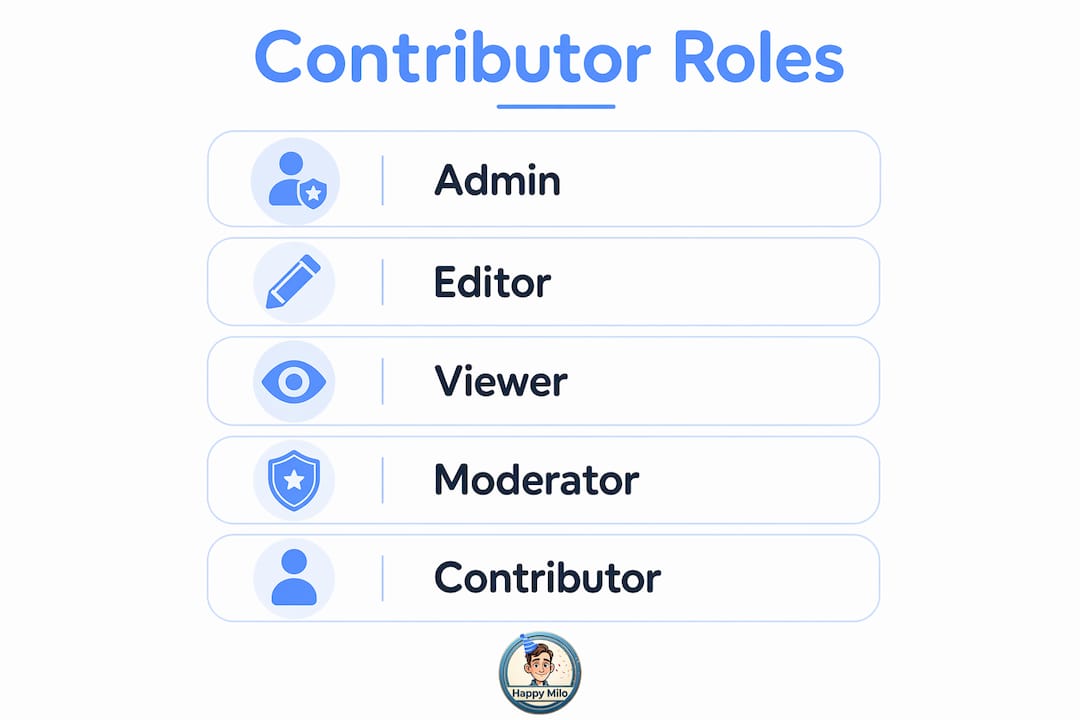
The three core contributor roles
Every well-run digital wall assigns contributors to one of three roles.
- Admin: Full control over the wall. The admin sets permissions, approves content, removes posts, and manages the contributor list. On a platform like Happy-milo's Happy Wall, the event organizer typically holds this role.
- Editor/Contributor: Can submit messages, upload photos, and add memories. Editors cannot approve or delete other people's content. This is the role you assign to guests, teammates, or family members.
- Viewer: Read-only access. Viewers can see the wall but cannot post. This role works well for surprise events where the honoree gets access only after the wall goes live.
Keeping these three roles distinct prevents the most common contributor conflict: a well-meaning guest accidentally deleting someone else's post.
Key platform features to look for
Not every digital wall platform offers the same level of control. When you are organizing contributors for digital boards, prioritize platforms that include these features:
- Content moderation queue: Posts go into a holding area before they appear publicly. You review and approve each one.
- Notification system: Contributors receive alerts when their post is approved or flagged, keeping them engaged without requiring you to send individual messages.
- Privacy controls: The ability to restrict who can view or contribute to the wall, using a private link or access code.
- Bulk invite tools: Send a single link or QR code to all contributors at once instead of managing individual invitations.
Pro Tip: Staff training for digital wall platforms typically requires only 1–2 hours for basic operation and content moderation. Schedule a short walkthrough with your co-organizers before the event so no one is learning the platform in real time.
The table below compares the most relevant features for managing contributors on a shared digital wall.
| Feature | Purpose | Best For |
|---|---|---|
| Role-based access control | Limits who can post, edit, or approve | All event sizes |
| Content moderation queue | Holds posts for review before publishing | Surprise events, large groups |
| Private link or access code | Controls who can view or contribute | Corporate farewells, private parties |
| Real-time notifications | Keeps contributors informed and engaged | Remote celebrations |
| Bulk invite via QR code | Simplifies onboarding for large groups | Weddings, office milestones |
How do you set up roles, permissions, and workflows?
Setting up contributor roles before anyone posts is the single most important step in digital wall contributor management. Publishing content before establishing governance commonly leads to quality issues. Start with a minimum viable workflow that balances trust and usability, then expand as your contributor group grows.
Here is a step-by-step process for getting your workflow right from day one.
-
Define your contributor list. Write down every person or group you want to invite. Separate them into admins (usually just you and one backup), editors (your contributors), and viewers (the honoree or passive audience). Clarity here prevents permission conflicts later.
-
Set permissions for each role. Admins get create, edit, approve, and delete rights. Editors get create rights only. Viewers get read-only access. Most platforms let you configure this in a single settings panel.
-
Build a staged content workflow. A submit, validate, approve, and publish workflow is the industry standard for balancing openness with quality. Every post a contributor submits enters a queue. You or a designated moderator validates it for appropriateness, approves it, and then it publishes to the live wall.
-
Set your moderation buffer time. For a pre-event wall where contributions trickle in over days, a 24-hour review window is fine. For real-time event walls, use a moderation buffer of 0–30 minutes depending on how much you prioritize live engagement versus content control. A wedding reception wall might use a 5-minute buffer. A corporate town hall might use zero buffer with a trusted moderator watching live.
-
Assign a backup moderator. Effective contributor management is primarily a governance and workflow challenge, not just a technical one. It requires clear ownership and trained backup moderators. If you step away from your phone during the event, someone else needs to be watching the queue.
-
Communicate the workflow to contributors. Send a brief message with your invite link explaining what happens after they post. Tell them posts are reviewed before going live and give them a rough timeline. This prevents the "why hasn't my post appeared yet?" messages that flood organizer inboxes during live events.
Pro Tip: Balancing openness and control is a real tension. If your moderation process feels too strict, contributors stop posting. If it feels too loose, quality drops. Start with a light-touch approach: approve everything that meets basic standards, and reserve rejections for genuinely inappropriate content. You can always tighten the process for future events.
A digital birthday memory board is a great example of how a simple staged workflow plays out in practice. Contributors submit their birthday messages and photos. The organizer reviews them in a queue. The honoree sees a polished, curated wall on their birthday, not a raw feed of unreviewed posts.
What are best practices for collaborating with contributors?
The best practices for digital wall collaboration come down to one principle: make it easy for contributors to participate and hard for them to make mistakes. When you collaborate on a digital wall with a large group, friction is your enemy. Every extra step between "I want to post" and "my post is live" costs you contributions.
Here are the practices that consistently produce the most engaged, high-quality digital walls.
-
Send a single, clear invite link. Do not ask contributors to create accounts or download apps unless the platform requires it. A shareable link or QR code is the lowest-friction entry point. Happy-milo's Happy Wall uses this approach, letting contributors join a collective message wall with one click.
-
Write contribution guidelines upfront. Community contributions require clear guidelines and privacy controls to maintain content quality and protect participants. A short note like "Please keep messages positive and personal, photos should be appropriate for all ages, and avoid sharing private information" sets expectations without feeling restrictive.
-
Use notifications to prompt participation. Most contributors need a reminder. Schedule two nudges: one when the wall opens and one 48 hours before it closes. Platforms with built-in notification tools handle this automatically.
-
Start small and expand. Successful digital walls start small with core features, then use social onboarding and integrations to encourage wider contributor participation. Launch with your closest circle first. Their early posts create social proof that encourages others to contribute.
-
Clarify your curation policy. Tell contributors whether you will edit their posts for length or formatting, or whether you will publish them exactly as submitted. Transparency here prevents hurt feelings when someone's post looks different on the live wall.
-
Set up a dispute resolution path. Transparent change logs and internal escalation paths for corrections promote trust and credibility. If a contributor wants a post edited or removed after it goes live, they need to know who to contact and how quickly it will be handled.
A collective message to colleagues follows the same logic. Whether you are organizing a farewell wall for a departing teammate or a birthday wall for a friend across the country, the same principles apply: low friction entry, clear guidelines, and a responsive moderator.
How do you troubleshoot common contributor management challenges?
Even well-planned digital walls run into problems. The key is knowing which problems are most likely and having a response ready before they happen.
Inappropriate content or spam
This is the most common issue on open digital walls. The fix is simple: never publish without a moderation queue. If a post slips through, remove it immediately and send the contributor a private note explaining why. Avoid public callouts, which create drama and discourage other contributors.
Limiting tool types and imposing rate limits can increase contribution quality by creating a curated community experience. If your platform allows it, restrict contributors to one or two post formats (text plus one photo, for example) and cap the number of posts per contributor. This reduces spam and keeps the wall visually consistent.
Inactive or inconsistent contributors
Some contributors sign up and never post. Others post once and go quiet. The solution is proactive communication. Send a personalized reminder to anyone who has not posted within 48 hours of the wall opening. A warm, direct message ("We would love to see your message for Sarah!") works far better than a generic group reminder.
Pro Tip: Assign a "contribution champion" within each social circle. For a birthday wall, ask the honoree's best friend to personally nudge their mutual friends. Personal invitations convert at a much higher rate than mass emails.
Over-moderation that stifles contribution
Over-moderation is a real risk. If contributors feel their posts are being edited too heavily or rejected without explanation, they stop contributing. The standard is clear: approve everything that meets your basic guidelines, even if the writing is imperfect or the photo is a little blurry. The goal is a warm, personal wall, not a polished magazine.
No backup moderator
Maintaining clear role definitions and explicit responsibilities is critical in preventing conflicts and ensuring smooth content updates. If your primary moderator is unavailable during the event, the queue backs up and contributors get frustrated. Always assign at least one backup moderator with full admin access before the event goes live.
The table below summarizes the most common challenges and the best response for each.
| Challenge | Best Response |
|---|---|
| Inappropriate content | Enable moderation queue; remove and notify privately |
| Spam posts | Set rate limits and restrict post formats |
| Inactive contributors | Send personalized reminders; assign a contribution champion |
| Over-moderation | Approve borderline posts; reserve rejections for clear violations |
| No backup moderator | Assign a trained backup admin before the event |
How Happy-milo makes managing your digital wall easy
Happy-milo's Happy Wall is built for exactly this kind of challenge. Whether you are planning a birthday surprise, a wedding tribute, or a team farewell card, the platform gives you the tools to invite contributors, moderate content, and deliver a polished wall without a steep learning curve.
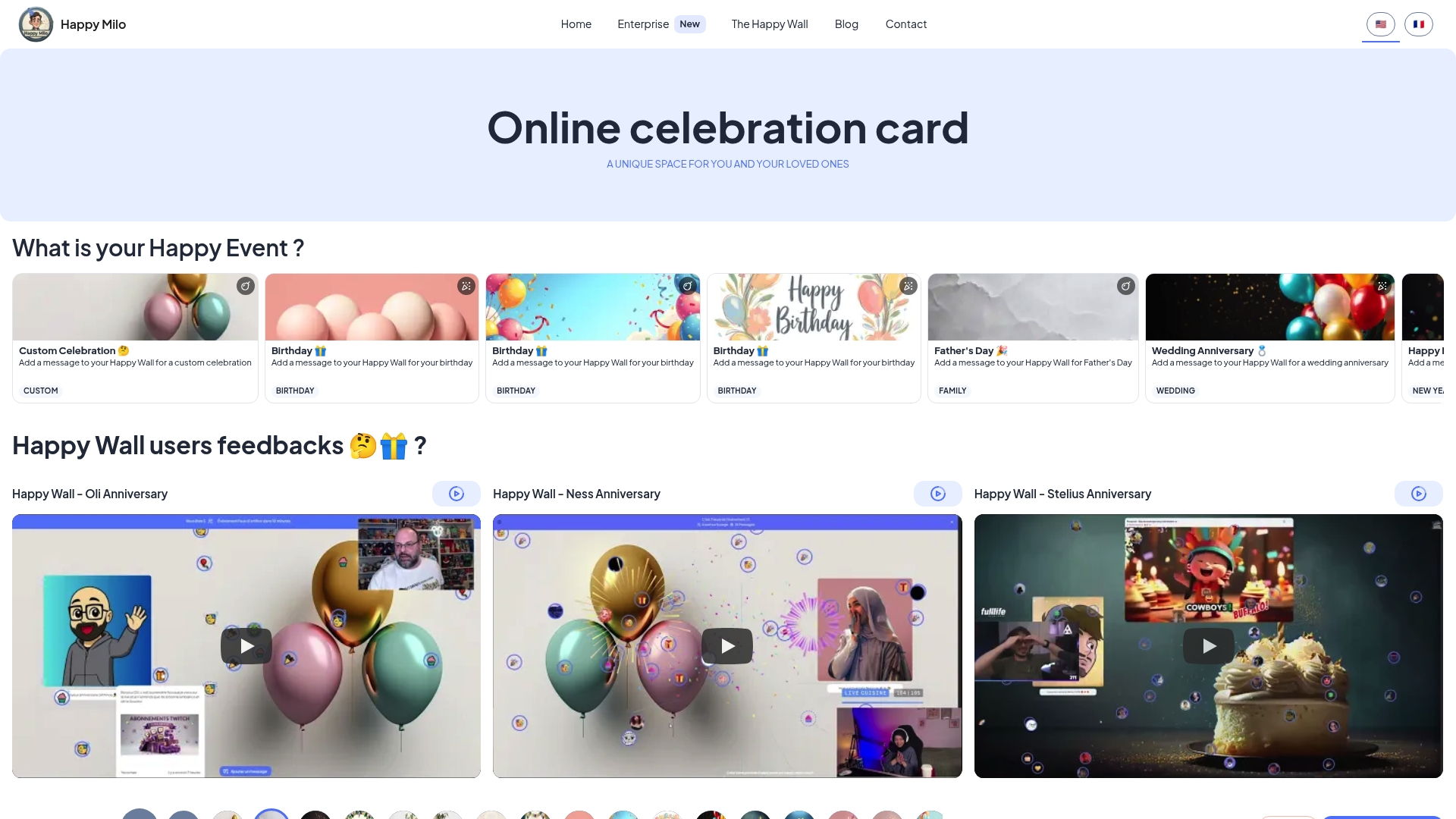
The Happy Wall supports unlimited contributors, built-in moderation, and a simple invite link that works for any group size. Virtual animations and fireworks make the final reveal feel like a real celebration, even when everyone is miles apart. Happy-milo also offers a shared event calendar so you never miss an important date. Ready to bring your people together? Create your Happy Wall today and let the messages roll in.
Key takeaways
Effective digital wall contributor management requires clear roles, a staged moderation workflow, and proactive communication before and during the event.
| Point | Details |
|---|---|
| Assign roles before launch | Define admin, editor, and viewer roles before any contributor posts. |
| Use a staged workflow | Submit, validate, approve, and publish keeps quality high without blocking participation. |
| Set the right moderation buffer | Use 0–30 minutes for live events; longer windows work for pre-event walls. |
| Communicate guidelines clearly | Share contribution rules and curation policies with every contributor upfront. |
| Always have a backup moderator | Assign a trained admin backup so the queue never stalls during the event. |
FAQ
What does it mean to manage contributors on a digital wall?
Managing contributors on a digital wall means controlling who can post, what they can post, and when their content goes live on a shared online platform. It includes assigning roles, setting permissions, and running a moderation workflow.
How many contributor roles do i need for a small event?
For most small events, two roles are enough: one admin (you) and contributors (your guests). Add a viewer role only if the honoree needs access after the wall goes live.
What is the best moderation buffer time for a live event?
Real-time event walls work best with a moderation buffer of 0–30 minutes. Use a shorter buffer when live engagement matters most and a longer one when content control is the priority.
How do i stop spam on a digital wall?
Restrict contributors to one or two post formats and set a per-contributor post limit. Enable a moderation queue so no post goes live without review.
How long does it take to set up a digital wall for an event?
Technical setup for digital wall platforms typically takes 4–8 weeks for complex implementations, but consumer platforms like Happy-milo's Happy Wall can be ready in minutes. Most organizers are fully set up and inviting contributors within an hour.